
App
Describe the product. Get an Expo draft with screens you can preview and export.
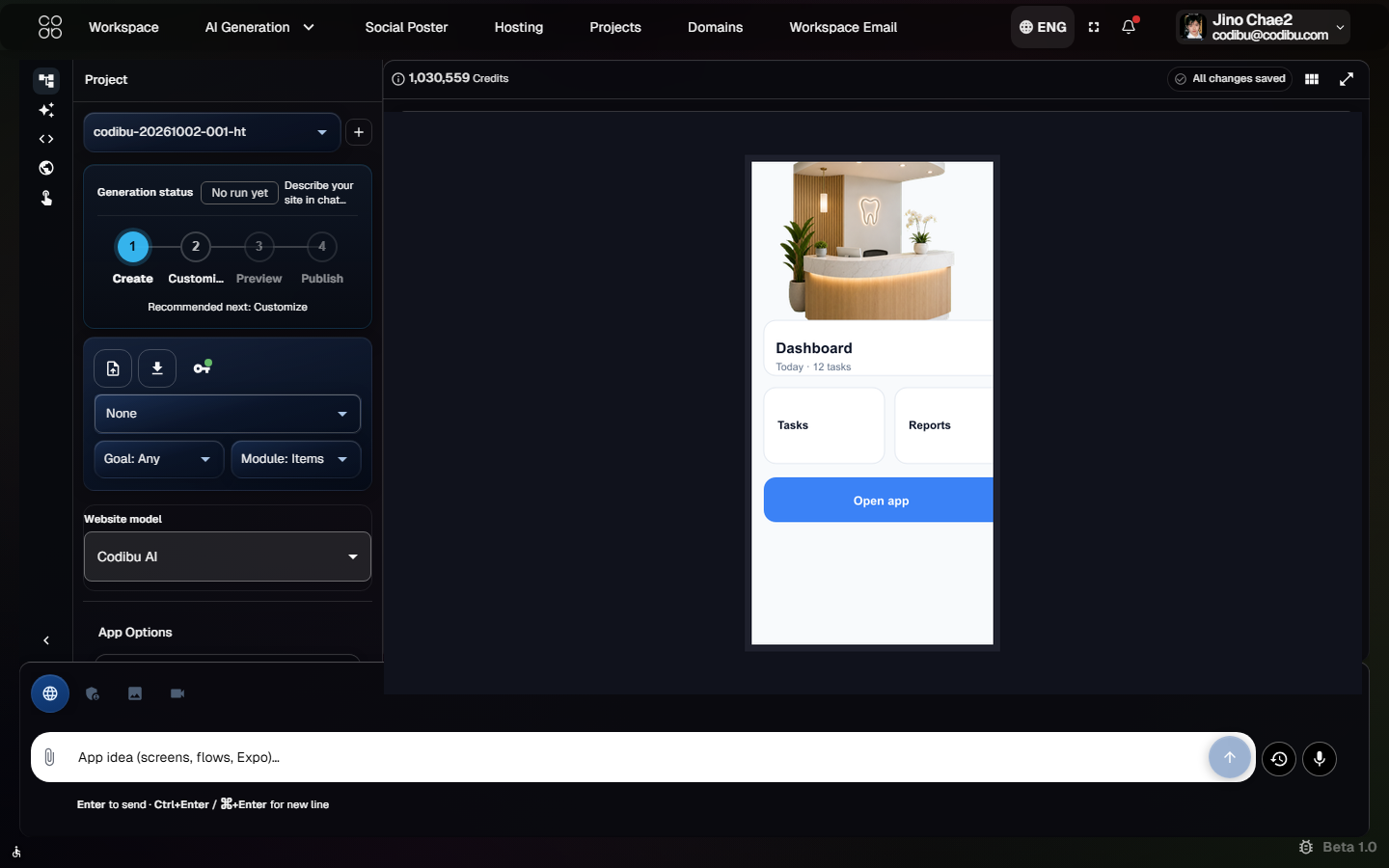
What you receive
Screen drafts
Lists, forms, tabs from your brief — review before build.
Navigation planning
Stack or tab patterns drafted to match how users move through the app.
Auth planning (when needed)
Login and profile placeholders when the brief needs accounts.
Expo preview (beta, when available)
Test on device with Expo Go while you iterate—availability depends on your draft and plan.
Exportable files (when ready)
Supported Expo and backend folders to hand off or continue locally.
How teams ship
Download Expo source and share preview builds — you own app store submission.
Expo Go (development)
Scan a QR code on your phone to test during iteration.
EAS Build (store-ready)
Use Expo Application Services when you need installable builds for TestFlight or Play Console.
Preview on real devices
Share preview builds with stakeholders via Expo Go or internal tracks while you iterate.
Store submission is yours
Store listings, review, and billing stay with you — Codibu ships exportable source, not guaranteed approval.
Common questions
App mode drafts an Expo-style project with screens and navigation you can review in the workspace. Preview on a phone when Expo Go is supported; export when ready—not a guaranteed production app.
No. Start from App mode in AI Chat. Many teams pair an app draft with a marketing website later.
You may get exportable source and Expo Go for testing. Store submission is not automatic—you or your developer handle builds, signing, and review.