
Images
Describe the mood and where it goes. Get images ready for pages and ads.
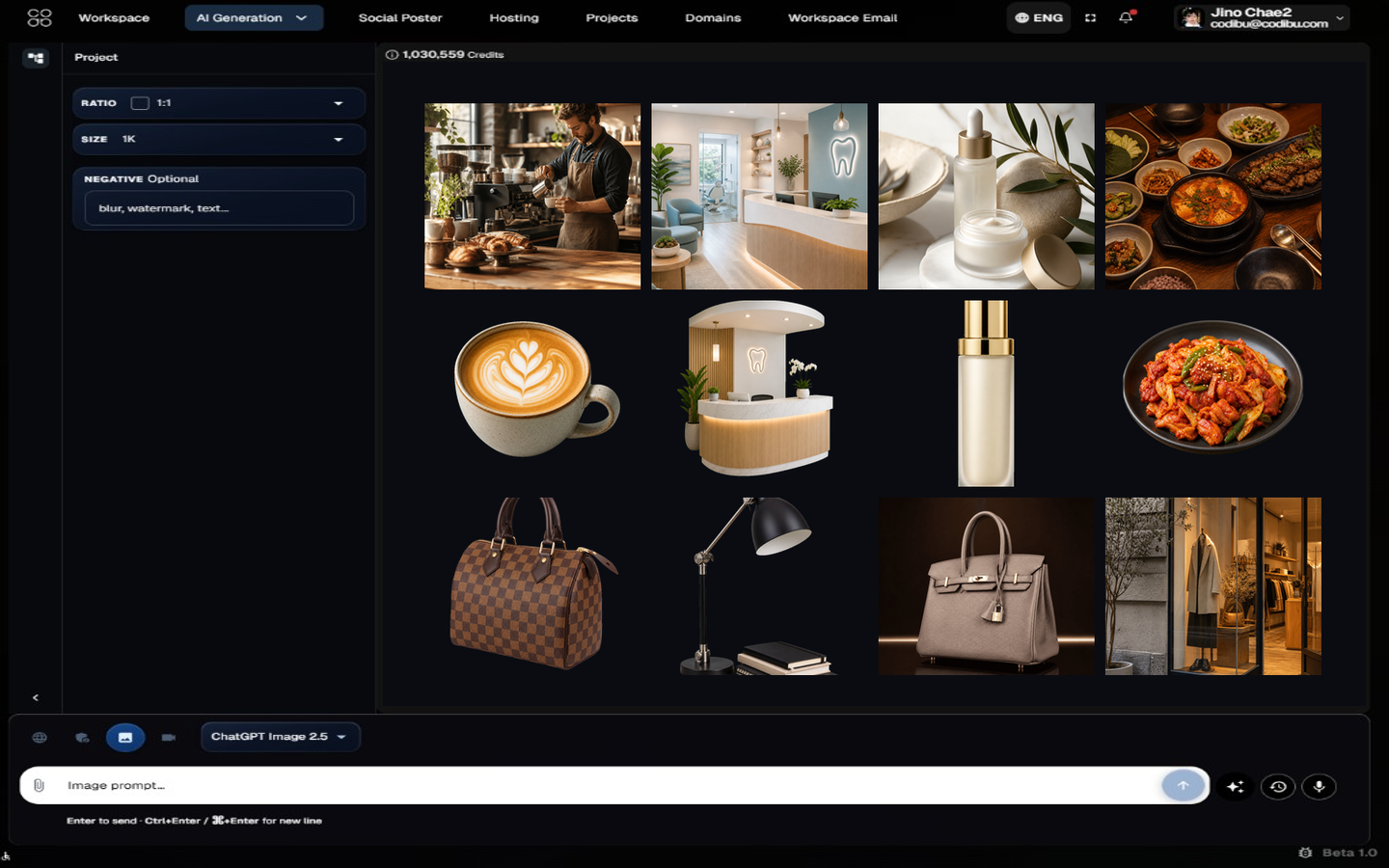
What you receive
Generated images
Hero shots, product visuals, and campaign art from prompts.
Edits and fixes
Remove backgrounds, recolor, refine — then reuse.
Variations
Multiple takes on the same concept with refined prompts.
Aspect ratios
Square, portrait, landscape, and ad sizes for each channel.
Downloads
Export PNGs for web, social, and print workflows.
Three image lanes
Generate new stills, edit uploads, or spin variations — same gallery account.
Generate from a brief
Turn a short description into commercial-ready stills for heroes, products, and ads.
Edit what you already have
Fix lighting, backgrounds, and framing on images you upload or previously generated.
Spin variations
Create alternate looks for A/B tests and seasonal campaigns.
Typical workflow
From brief to export — generate, edit, then hand off to Website or Social Poster.
Describe the placement
Hero, product grid, social crop — say where the image will live.
Generate options
Review a few directions before you commit to edits.
Edit and export
Refine details, then use the asset in Website, Social Poster, or download.