
Video
Turn a still into a short clip. Preview the motion, then reuse it.
Start from a sharp still — motion follows the source frame.
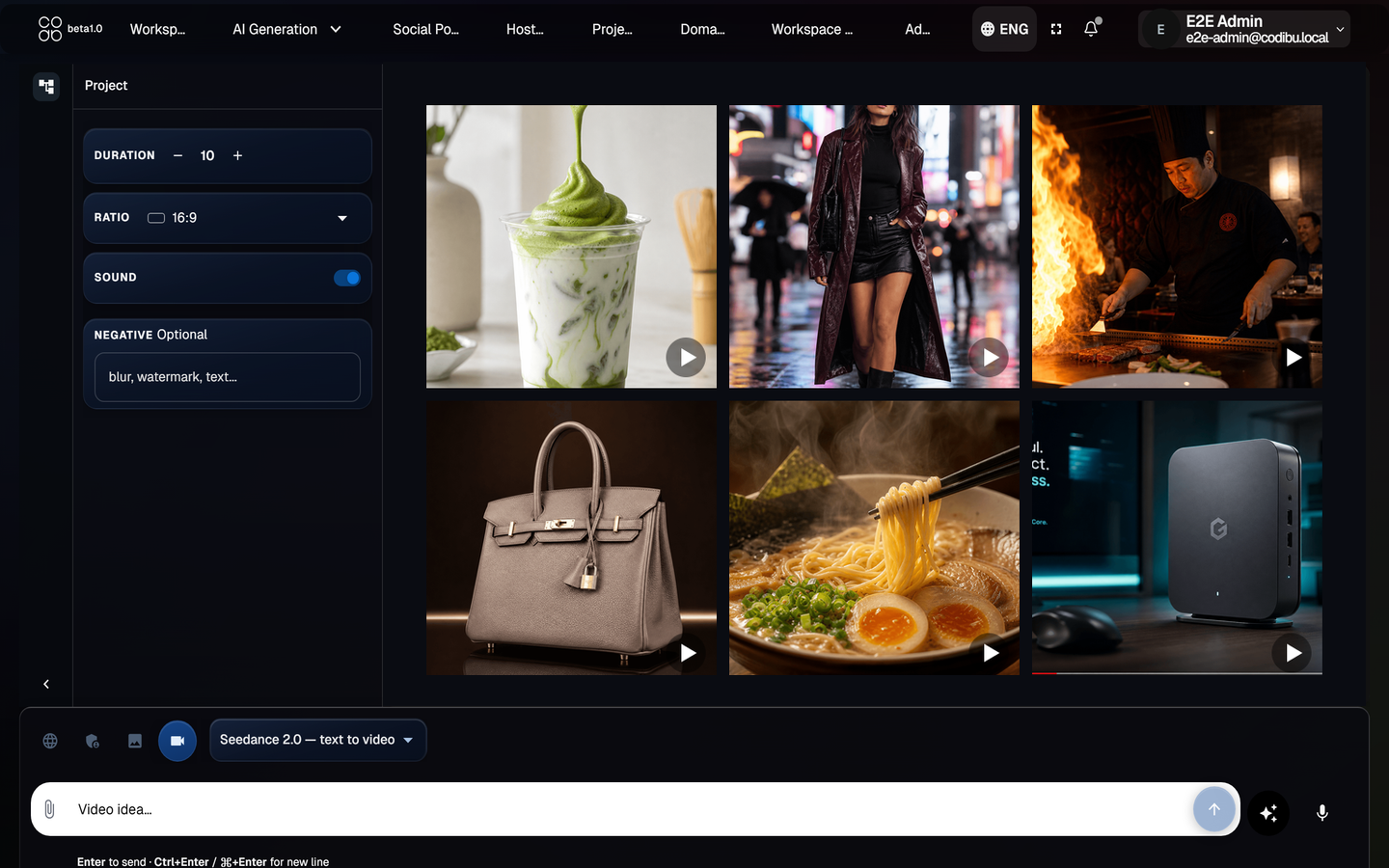
What you receive
Video concepts
Clips from a text brief or a still photo with motion intent.
Motion prompts
Guidance on camera move, subject, and loop length.
Short loops
Product turns, hero motion, and social-friendly seconds.
Social-ready variants
Formats suited for feeds and landing hero backgrounds.
Four steps to a clip
Upload or describe
Your photo, or the scene in plain words.
Pick the motion feel
Slow, bold, warm—say it like you would to an editor.
Preview and adjust
Watch the draft, tweak, keep the version that fits the campaign.
Publish on site, ad, or social
Same file in AI Chat, on your page, or in ad creative.
Prompt tips
Plain-language prompts that help framing match feed, story, or hero placements.
Start from a still
Image-to-video works best when the source frame is sharp and on-brand.
Describe the motion
Say what should move (camera, subject, light) in plain language.
Keep text out of the frame
Add captions in your editor or Social Poster — not inside the generated clip.